Pylons, garages, and the clock.
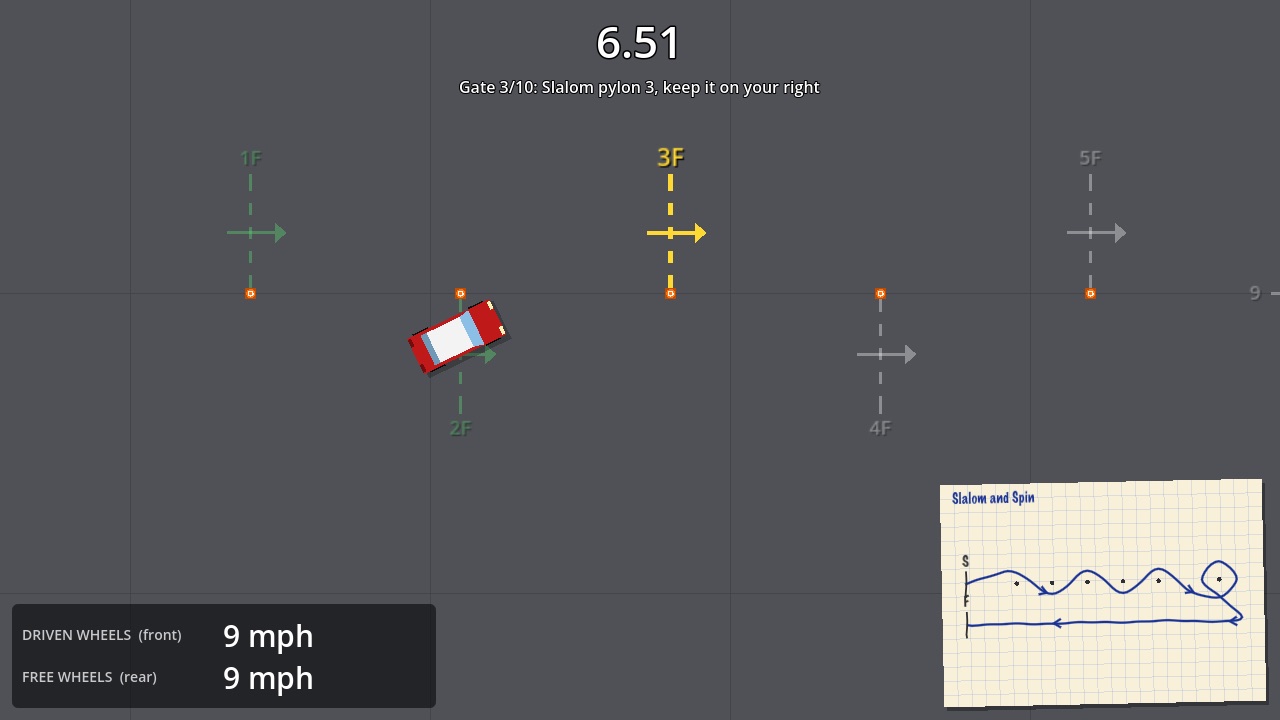
A top-down motorsport autotest game. Weave the slalom, reverse into the garage, stop astride the line, and shave tenths off your best. Then race your friends online.
AutoTest is for Mac and Windows computers. Open this page on one to download it.
Free. Once installed, AutoTest keeps itself up to date.
What's in it
14 tests, and your own
Slaloms, figure of eights, garages and stop boxes, on tarmac or grass. Build your own in the test editor.
Proper car handling
A front-drive hatch and a rear-drive saloon, with grip that changes in the wet and on ice. Handbrake turns included.
Events, like the real thing
Run a series of tests where every run counts, with markers, wrong tests and not-astride penalties.
Race your friends
Online leaderboards and ghosts, shared tests, and private events with an invite code for friends and family.
Maps and a co-driver
A hand-drawn map of every test, and a passenger who reads the route out to you.
Keyboard or gamepad
Every control can be changed. Sounds, ghost cars and route guides can be turned on or off.
Installing
Mac
- Open the downloaded zip, if your Mac hasn't already.
- Drag AutoTest into your Applications folder. (Updates install themselves only from there.)
- Open it from Applications. The first time, macOS says it can't check the app: open System Settings → Privacy & Security, scroll down and choose Open Anyway.
macOS asks because AutoTest isn't registered with Apple's paid notarisation service. You'll only be asked once.
Windows
- Move AutoTest.exe somewhere it can stay, such as a Games folder in your Documents. (Updates install themselves there.)
- Double-click it. If Windows shows "Windows protected your PC", choose More info, then Run anyway.
Windows warns about programs that aren't signed with a paid certificate. You'll only be asked once.